Order a demo

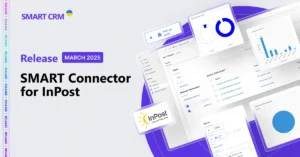
SMART Connector for InPost: A New Integration with the Polish Service in SMART CRM and Microsoft Dynamics 365

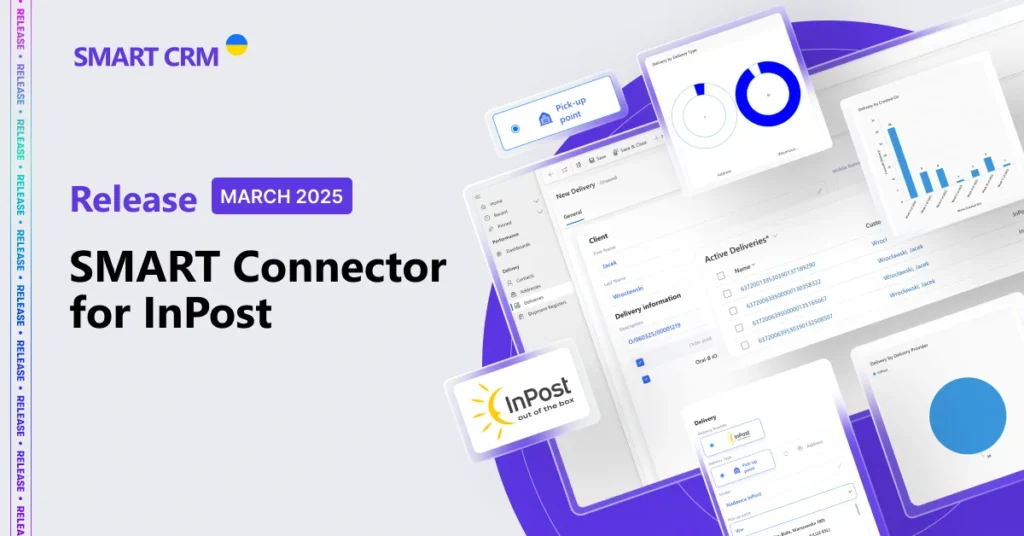
SMART Connector for InPost

In today’s business world, time is a resource that cannot be ignored. Every extra step in a process is not just an expense but also a missed opportunity for growth, service improvement, and increased profitability.

We present a new integration with the Polish service InPost, enabling you to generate waybills for customer orders directly during order processing in CRM.

About InPost:

InPost is a leader in modern logistics services and the first company in Poland to establish the country’s largest network of 25,000 parcel lockers – self-service points for sending and receiving shipments, operating 24/7.

What Order Processing Capabilities Does SMART Connector for InPost Provide?

  • Create, manage, delete, or cancel shipments directly from the interface of SMART CRM or Microsoft Dynamics 365 ecosystem solutions.
  • Manage senders and create standard templates for different parcel sizes.
  • Print waybills in various formats.
  • Receive automatic status updates on shipments from the provider.
  • Create both address-based shipments and deliveries to a Parcel Locker or Parcel Point.
  • Analyze shipments on Analytical Dashboards for better insights.

Why Choose SMART Connector for InPost?

  • Less manual work – higher productivity. Create, edit, and cancel waybills directly in CRM without unnecessary actions in external systems.
  • Flexible delivery management. Set up standard templates for different parcel sizes – especially useful for businesses with a dynamic shipping process and a high order volume.
  • Automatic status updates and convenient analytics. SMART Connector for InPost regularly retrieves shipment statuses, allowing real-time tracking.
  • A cost-effective solution for business scaling. The connector offers a transparent and flexible pricing model: a fixed monthly fee with no user limits in the Microsoft Power Apps/Dynamics 365 environment. This allows you to expand your team without extra licensing or support costs.

How to Connect SMART Connector for InPost?

The connection process takes just a few steps and doesn’t require much time:

  1. Register the users in the InPost service and configure all necessary settings.
  2. Authorize in SMART CRM/Microsoft Dynamics 365/Power Apps.
  3. Install and configure the integration components.
  4. Set up system security by granting access to a manager or workgroup.
  5. Start using the connector.

How Much Does It Cost to Connect and Use the Connector?

The monthly fee for usage within a single Microsoft Power Apps/Dynamics 365 environment, with no limit on the number of managers, is $150. Azure component costs are billed based on consumption. This pricing model allows companies to scale connector usage across more employees without additional expenses, making it a cost-efficient choice for growing businesses.

Stay updated on SMART CRM platform improvements on our blog or Facebook page – don’t miss new releases that can boost your business!

Want to see if SMART CRM is the right fit for your company’s needs? Submit a request, and our experts will provide consultation and help you choose the best solution.


Get Consultation

mail
SMART CRM
Cookies

We use cookies to improve your web experience, display personalized content and analyze traffic. By clicking «Accept All», you agree to their use. To manage your settings, click Settings. Learn more about the use of cookies in the privacy policy.

Functional
Always active
The technical storage or access is strictly necessary for the legitimate purpose of enabling the use of a specific service explicitly requested by the subscriber or user, or for the sole purpose of carrying out the transmission of a communication over an electronic communications network.
Marketing
The technical storage or access is required to create user profiles to send advertising, or to track the user on a website or across several websites for similar marketing purposes.
Statistics
The technical storage or access that is used exclusively for statistical purposes
Analytics
Analytical purposes are used to measure traffic and optimize content.